Asset Register Cleanup for Japan Offices: What to Track First
By Thinkers GK Team · July 6, 2026 · 7 min read
Summary: A practical guide to cleaning up Japan office asset registers: serial numbers, assigned users, location, warranty, lifecycle stage, retrieval status, and evidence.
A useful asset register supports decisions
A device register is not useful because it is long. It is useful when it helps the business decide what to support, replace, retrieve, wipe, or retire. Japan offices often need a register that local teams can maintain while global IT can understand.
1. Start with the minimum reliable fields
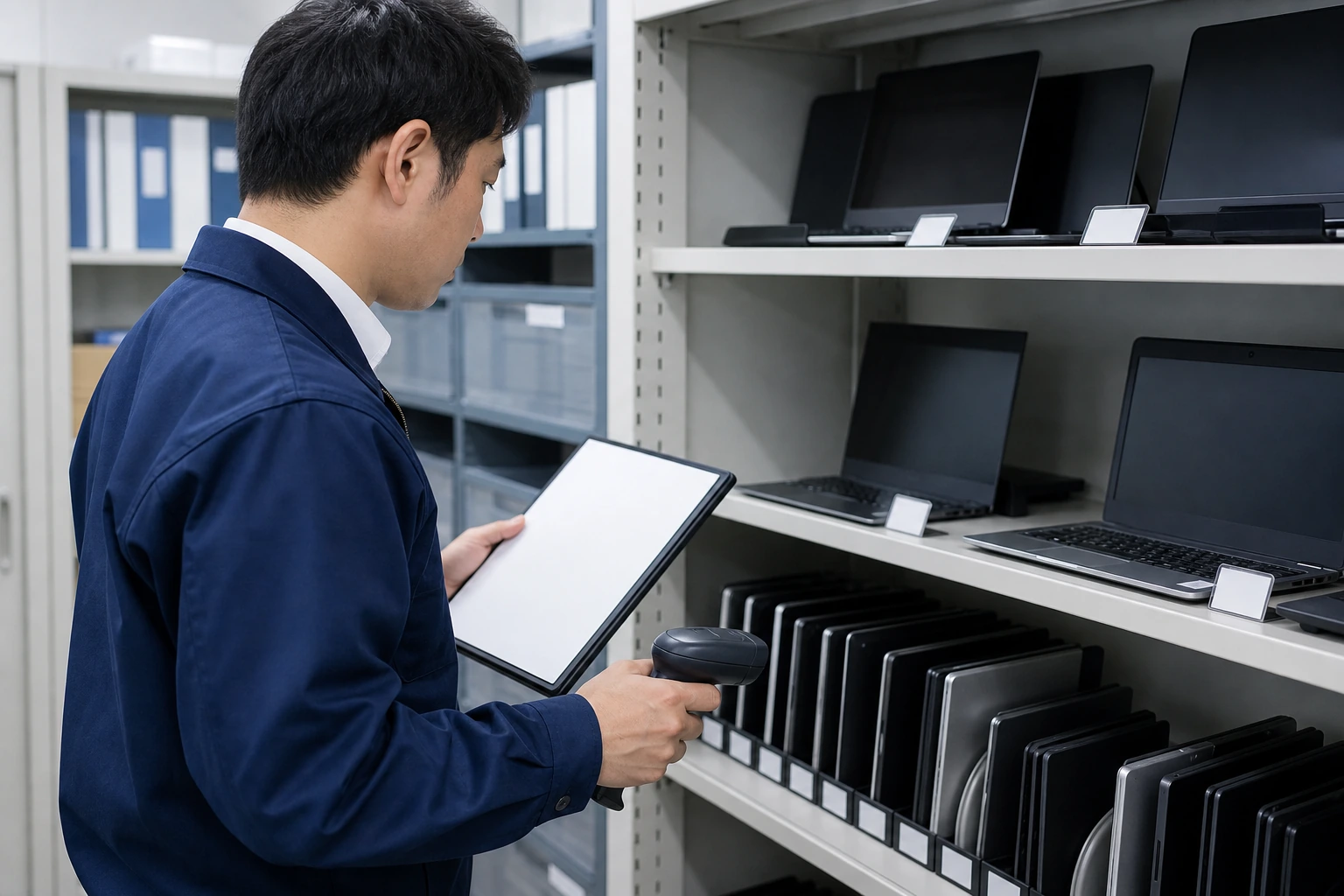
Track device type, manufacturer, model, serial number, assigned user, office or remote location, supplier, warranty status, lifecycle stage, and current custody status. If these fields are wrong, advanced dashboards will not help.
2. Separate confirmed facts from assumptions
A cleanup project should mark whether each record was verified physically, confirmed by user response, pulled from endpoint tooling, or inferred from old procurement data. This makes exceptions visible instead of hidden.
3. Add lifecycle and risk fields
Useful registers include Windows 10/11 readiness, warranty expiry, battery or condition notes, missing accessories, retrieval status, wipe status, and EOL recommendation. These fields turn inventory into planning.
4. Connect the register to real workflows
The register should support procurement, deployment, support, joiner-mover-leaver actions, refresh planning, and ITAD closeout. If it only sits in a spreadsheet, it will drift again.
Where Thinkers GK fits
Thinkers GK can run an asset register cleanup for Japan offices, reconcile serial-level records, identify exceptions, and create a practical baseline for managed device lifecycle work.
FAQ
Do we need endpoint-management tools before cleanup starts?
No. Tools help, but cleanup can start from procurement records, physical checks, user confirmation, and existing spreadsheets.
Can Thinkers GK work with client-owned devices?
Yes. The device does not need to be purchased through Thinkers GK for lifecycle records, retrieval, or closeout support.
What is the output of an asset register cleanup?
Typical outputs include a normalized register, exception list, refresh risks, missing-device notes, and recommended next actions.
Next step
If your Japan office needs help with this topic, start with a short operational map: location, users or devices involved, current owner, timing pressure, and the evidence your headquarters expects. Thinkers GK can help turn that into a practical support, lifecycle, or ITAD scope.
Need Japan-side IT execution with clear records?
Tell us what needs to happen, which city is involved, and what evidence your team needs at closeout.